

Navigating the digital landscape can feel like treading uncharted waters, especially when everyone seems to have a secret map to online success. For the small business owner, establishing an online presence often involves competing with giants who seem to dominate every corner of the web. If this sounds like you, don’t lose heart just yet. The digital playing field is much more level than it appears. The secret weapon of many successful businesses is not some clandestine knowledge, but the effective use of tools readily available to everyone: Google Search Console and Google Analytics.
At RD Internet, we recognize how overwhelming these tools may initially seem, hence the need to break down their complexities into simple understandings. Google Search Console and Google Analytics are, in essence, the compass and map of your digital journey. They are Google’s gift to marketers and web developers, designed to illuminate your path and guide your strategies via valuable insights into your website’s performance, health, and user interaction.
In this article, we aim to simplify your understanding of Google Search Console and Google Analytics. We’ll explore how they function individually, the unique insights they each provide, and how they can work together to maximise your website’s success. We believe that mastering these tools is a game-changer for any business striving to enhance their online visibility and, ultimately, their bottom-line.
To give you a quick snapshot, here’s what you need to know:
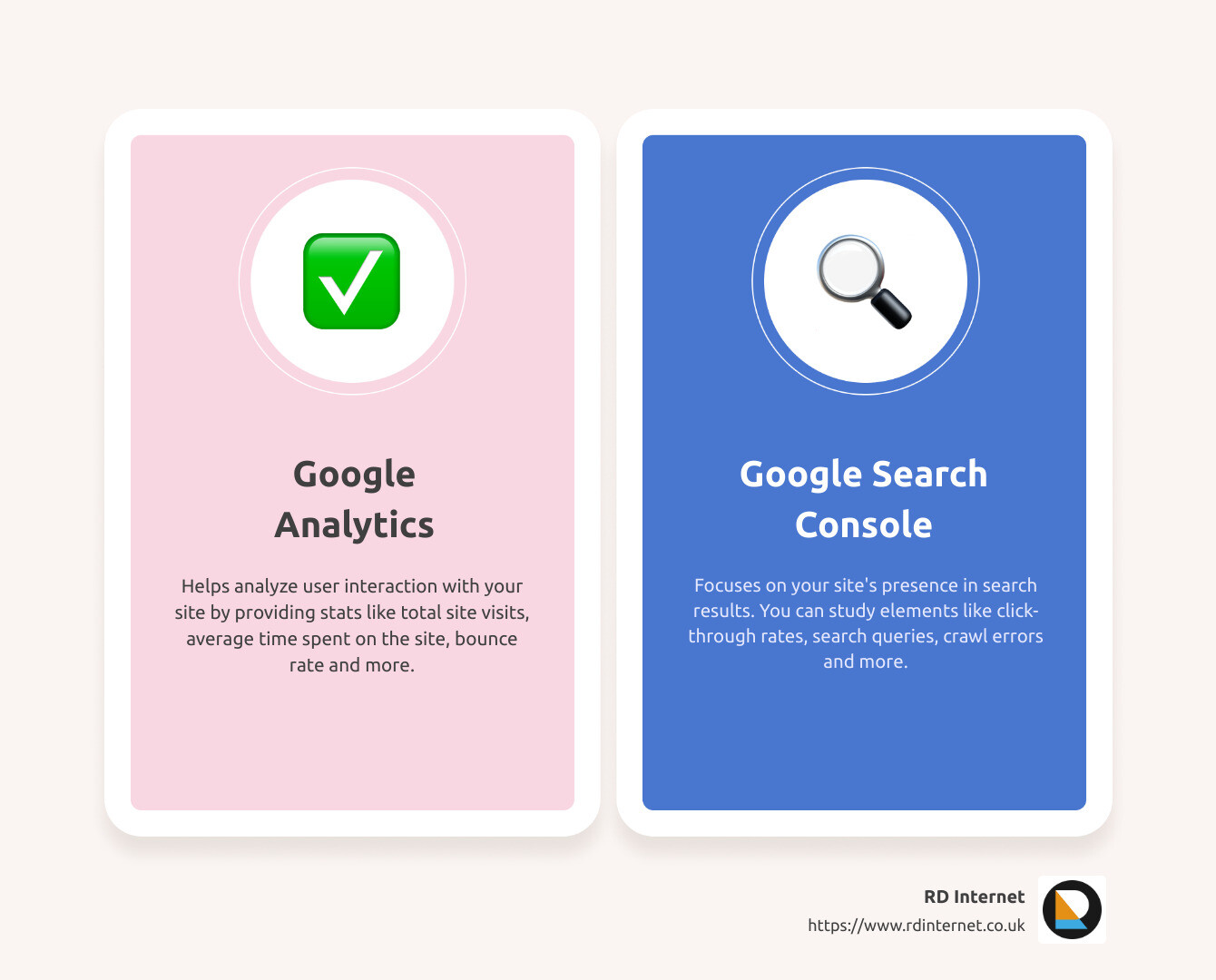
- Google Analytics primarily analyzes how users interact with your site, providing essential stats like total site visits, average time spent on site, bounce rate, and more.
- Google Search Console, on the other hand, focuses on the successes and potential issues related to your site’s presence in search results. It allows you to study crucial elements like click-through rates, search queries, crawl errors, and more.
Now, let’s take a deeper dive and unlock the full potential of Google Search Console and Google Analytics for your business success.
The Role of Google Analytics in Website Success
As a business owner, your online presence is a crucial part of your overall success. Google Analytics is a powerful tool that can play a pivotal role in enhancing your website’s performance and, ultimately, your business growth. Let’s explore how.
Understanding Traffic Statistics with Google Analytics
Google Analytics provides a detailed snapshot of your website’s traffic statistics. This includes data such as total site visits, bounce rates, and average time spent on your site. These statistics provide valuable insight into your audience’s behavior, allowing you to identify trends and opportunities to increase traffic and enhance your web presence. For instance, high bounce rates could indicate that your site’s content or layout isn’t engaging enough, prompting you to tweak and optimize your site accordingly.

Analyzing User Interactions through Google Analytics
Beyond traffic statistics, Google Analytics also gives you a detailed view of how users interact with your site. This includes the pages they visit, the buttons they click, and the paths they take through your site. This user interaction data can be incredibly useful in understanding what attracts and retains your audience, allowing you to adjust your content and design for maximum engagement and user satisfaction.
Utilizing Demographic Information from Google Analytics
Finally, Google Analytics also provides demographic information about your audience, including age, gender, geographical location, and interests. This information can be invaluable in tailoring your content, products, and services to meet the specific needs and preferences of your audience. For example, if you find that a significant portion of your audience is interested in DIY projects, you could consider creating more content around this topic.
In conclusion, Google Analytics is a powerful tool that can provide a wealth of information about your website’s performance and your audience’s behavior. By understanding and analyzing this data, you can make informed decisions and take strategic actions to optimize your website and enhance your business success. Next, we’ll look at the role of Google Search Console in your website’s success.
The Role of Google Search Console in Website Success
Google Search Console (GSC) is a powerful tool that offers invaluable insights into how your website interacts with Google Search. It’s like having a direct line to Google, giving you a peek into how the search engine views your site. This free tool can significantly boost your site’s performance by helping you understand your search traffic, fix issues, and make your site shine in Google Search results.
Understanding Click-Through Rates with Google Search Console
One key aspect of GSC is its ability to provide data on your website’s click-through rate (CTR). CTR is a measure of the number of times a user clicks on your site after it appears in search results. A high CTR means that your site is appealing and relevant to searchers. It’s a key performance indicator that can give you insights into how well your site is attracting and engaging users.
Google Search Console provides a comprehensive report on your site’s CTR. This allows you to see which pages have the highest CTRs and identify those that might need improvement. By optimizing your page titles and meta descriptions to better match search intent, you can dramatically improve your CTR and drive more traffic to your site.
Analyzing Search Queries through Google Search Console
Another powerful feature of GSC is its ability to show you the exact queries users are typing into Google that lead them to your site. This information is gold for SEO. By understanding the keywords and phrases that drive traffic to your site, you can optimize your content to better match these search terms.
Google Search Console provides a detailed report on search queries, showing you the number of clicks and impressions for each query, along with the CTR and average position in search results. This data can help you understand which keywords are working for you and which ones may need more focus.
Identifying and Fixing Crawl Errors and HTML Errors with Google Search Console
Website errors can be a significant roadblock to your site’s success. They not only frustrate users but also hinder Google’s ability to understand and index your site. Google Search Console is instrumental in identifying and fixing these issues.
GSC provides reports on both crawl errors and HTML errors. Crawl errors occur when Google’s bots can’t access certain pages on your site. These could be due to server issues, blocked URLs, or broken links. HTML errors, on the other hand, are issues with your site’s code that can affect how your pages are displayed.
GSC not only alerts you to these issues but also guides you on how to fix them. By promptly addressing these errors, you can ensure your site is easily crawlable and indexable by Google, leading to better visibility in search results.
In conclusion, Google Search Console is a critical tool for understanding and improving your website’s performance in Google Search. It provides invaluable insights into your CTR, search queries, and website errors, enabling you to optimize your site for success. In the next section, we’ll delve into the differences between Google Search Console and Google Analytics and how to utilize both tools for maximum impact.
The Differences Between Google Analytics and Google Search Console
Google Search Console and Google Analytics are both powerful tools designed to help you understand and optimize your website’s performance. However, they focus on different aspects of your site and collect data in unique ways.
Why Data May Differ Between Google Analytics and Google Search Console
Google Analytics primarily interprets and processes website usage data to provide insights into how visitors interact with your site. It uses JavaScript code on your website to collect data about page requests and sends this information to the Analytics server. This data includes total site visits, bounce rate, average time on site, and demographic information. If a user has disabled JavaScript on their browser or is using ad blockers, Google Analytics can’t collect data from them, which may result in data discrepancies.
On the other hand, Google Search Console focuses on your site’s success in search results. It collects data without JavaScript, so it isn’t affected by ad blockers or disabled JavaScript. Its data includes click-through rates, search queries, crawl errors, and links from outside websites. This tool uses a specific methodology to determine what a distinct click is, which may not match your Analytics session configuration and can lead to data differences. Another factor that can cause discrepancies is the default time zone – Google Analytics uses your time zone, while Google Search Console uses Pacific Daylight Time.
The Unique Advantages of Google Analytics and Google Search Console
Both Google Analytics and Google Search Console have unique advantages. Google Analytics gives a vivid snapshot of your website’s traffic statistics and user interactions, offering invaluable insights for marketers running campaigns like Google Ads. On the other hand, Google Search Console provides crucial insights into your website’s search performance, helping SEO marketers and web developers optimize the site’s visibility in search results.
Choosing the Right Tool for Your Website’s Success
When it comes to choosing between Google Analytics and Google Search Console, it’s not an either-or decision. They’re complementary tools that provide different, yet equally important data about your website. We recommend using both to garner the fullest understanding of your website’s performance and user behaviour. With the insights from both tools, you can identify opportunities for improvement, rectify problem areas, and boost your online presence.
In the next section, we’ll guide you through integrating Google Search Console with Google Analytics to create a comprehensive, data-driven strategy to drive your website’s success.
Integrating Google Search Console with Google Analytics
The Benefits of Integration for Organic Search Analysis
Integrating Google Search Console with Google Analytics offers powerful benefits for your website. It lets you analyze organic search related to your site, helping you understand where your site is ranked in search results, which queries lead to clicks, and how those clicks translate to user behavior.
This integration provides a more holistic understanding of your website’s performance. You can see which landing pages engage users more, how many users convert, and which queries are driving this traffic. This understanding can guide your SEO strategy and help you make data-driven decisions to optimize your website.
The Process of Linking Google Analytics 4 and Search Console
To create a link between Google Analytics 4 and Search Console, you’ll need to perform a few steps. Sign in to your Analytics account and go to Admin. Under the Product Links section, click on Search Console Links. In the link table, click on Link.
Note that you must have the Editor role for the Google Analytics account and Owner permission for the Search Console account that you want to link.
Understanding the Limitations and Prerequisites of Integration
While linking Google Search Console and Google Analytics is beneficial, there are a few limitations and prerequisites to be aware of.
Firstly, you can link a web data stream to only one Search Console property. Similarly, a Search Console property can be linked to only one web data stream. Furthermore, a Google Analytics 4 property can have only one data stream linked to a Search Console property.
Before creating a link, ensure that your Google Analytics 4 property and your Search Console property are collecting data for the same set of web pages.
Finally, it’s essential to know that Search Console data becomes available in Analytics depending on when you create the web data stream and when you complete site verification in Search Console.
By understanding these prerequisites and limitations, you can effectively integrate Google Search Console with Google Analytics and harness the full power of these tools to boost your website’s success.
Utilizing Google Search Console Tools and Reports for Website Optimization
Once you’ve integrated Google Search Console with Google Analytics, you’re ready to use the tools and reports available to optimize your website. Let’s dive into some of the most valuable features of Google Search Console.
Using Search Analytics to Understand User Queries
One of the most powerful tools in Google Search Console is Search Analytics. This feature allows us to see which queries bring users to our site. We can analyze our site’s impressions, clicks, and position on Google Search. This data is invaluable because it provides insights into what our audience is searching for and how our site is performing in relation to those searches.
Submitting Sitemaps and URLs for Crawling and Index Coverage Review
Google Search Console also allows us to submit sitemaps and individual URLs for crawling. This makes it easier for Google to discover and index our pages, ensuring that we have the freshest view of our site in the Google index. Regularly reviewing our index coverage can help us identify and fix issues that may be preventing Google from properly crawling and indexing our site.
Using the URL Inspection Tool for Detailed Crawl, Index, and Serving Information
The URL Inspection tool is another feature in Google Search Console that provides detailed crawl, index, and serving information about our pages, directly from the Google index. This tool helps us understand how Google Search sees our pages, which can be very useful in identifying and fixing any issues that may be affecting our site’s visibility in Google Search.
Optimizing AMP Pages, Testing Mobile Usability, and Monitoring Rich Results
Google Search Console is not just about understanding our site’s performance. It also provides tools and reports to help us optimize our site. For example, we can monitor, test, and track our AMP (Accelerated Mobile Pages) with Search Console tools and reports. We can also test and improve our site’s mobile usability, which is critical in today’s mobile-first world. Additionally, Google Search Console allows us to monitor and improve our rich results (structured data like recipes, jobs etc.) which can make our site stand out in Google Search results.
By fully utilizing Google Search Console tools and reports, we can not only understand our site’s performance but also take actionable steps to optimize our site, making it shine in Google Search results.
Enabling Search Console Data Sharing in Google Analytics
In order to fully leverage the power of Google Analytics and Google Search Console, it’s crucial to enable Search Console data sharing in your Analytics property settings. This integration allows you to gain a more holistic view of your website’s organic search performance.
The Requirements for Enabling Search Console Data Sharing
To enable this feature, you need to have specific permissions for both the Google Analytics account and the Search Console account you want to link. Specifically, you must have the Editor role for the Google Analytics account and Owner permission for the Search Console account.
The Process of Enabling Search Console Data Sharing in Google Analytics
To enable Search Console data sharing, first sign in to your Analytics account. Then, click on Admin, navigate to the property where you want to enable data sharing, and click on “Property Settings”.
Scroll down to “Search Console Settings”. Here, you should see the URL of your website, confirming that your site is verified in Search Console and that you have permission to make changes. If you don’t see the URL, you’ll need to add your site to Search Console.
Next, under “Search Console”, select the reporting view(s) where you want to see Search Console data. Finally, click “Save”.
Understanding the Availability of Historical Search Console Data in Google Analytics
It’s important to note that Search Console keeps data for the last 16 months. Consequently, SEO reports in Google Analytics also include up to 16 months of data.
Once you enable Search Console data sharing, historical Search Console data becomes available in your reports, subject to certain factors. These include the creation date of the Analytics view and the date and time of site verification in Search Console.
Data in an Analytics view is available only from the creation date of that view onwards. As for site verification data, it’s available within 24 hours of site verification.
By understanding and enabling Search Console data sharing, we can maximize the insights we gain from Google Analytics and Google Search Console, ultimately helping us improve our website’s performance and boost our online visibility.
Conclusion: Leveraging Google Search Console and Google Analytics for Website Success
In the digital realm, understanding your website’s performance is not a luxury but a necessity. It’s like a compass that guides your online journey. And the tools that make this possible are none other than Google Search Console and Google Analytics.
At RD Internet, we believe in the power of data. And these two tools are our key sources of data, giving us crucial insights to refine our strategies and improve your website’s performance.
Google Analytics is our go-to tool when it comes to understanding user behavior. From traffic sources to page performance, it provides a wealth of information that helps us fine-tune your SEO strategies and enhance user experience. On the flip side, Google Search Console lets us peek into how Google views your site. It provides health reports of your site and alerts us to any issues that might affect your rankings. Plus, it facilitates the submission of sitemaps for easier crawling and indexing of your pages by Google.
But what’s more, is the ability to integrate these two powerful tools. By linking Google Search Console with Google Analytics, we can have a comprehensive view of your website’s performance, right from organic search analysis to click-through rates. And with the option to enable Search Console data sharing, we can unlock even more insights, helping us make data-driven decisions that drive your website success.
However, it’s not just about tracking and monitoring. It’s about making sense of the data and turning it into actionable strategies. It might be optimizing AMP pages, testing mobile usability, or monitoring rich results. The goal is to make your website shine in Google Search results, attract more visitors, and ultimately increase your bottom line.
Remember, mastering Google Search Console and Google Analytics is a journey, not a sprint. It’s not about implementing strategies blindly, but about continuously analyzing, testing, and optimizing. And at RD Internet, we’re committed to supporting you on this journey, equipping you with the tools and insights you need to succeed.
So, let’s leverage the power of Google Search Console and Google Analytics together, and steer your website to new heights of success.

Recent Comments