

The #1 Powerful Guide to Launching Your First Advertising Google Ads Campaign in 2024
Why Google Ads is a Game Changer for Your Business
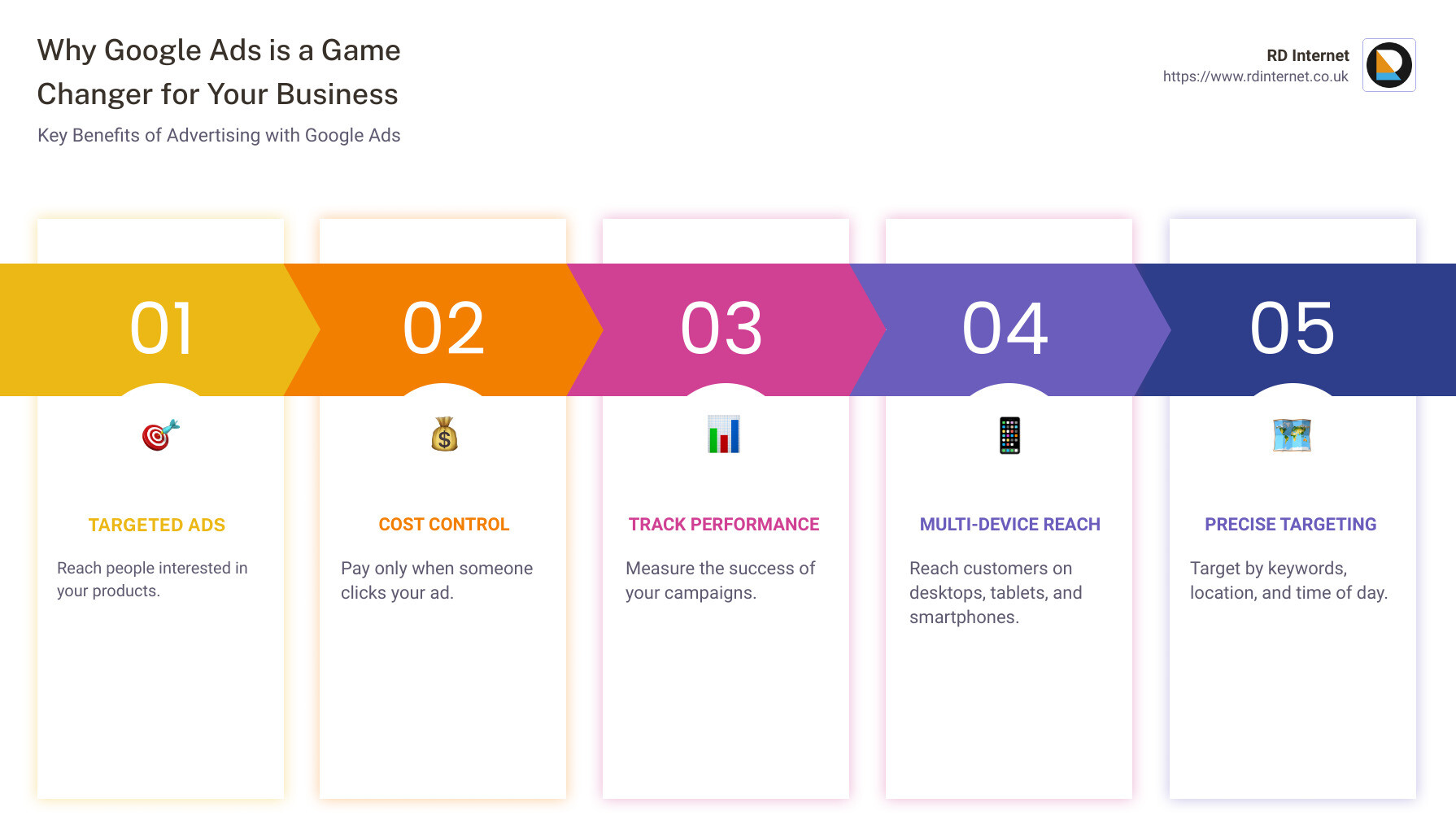
Advertising Google Ads can catapult your business into the digital spotlight. If you want a quick overview on why Google Ads matter, here it is:
- Targeted Ads: Reach people interested in your products.
- Cost Control: Pay only when someone clicks your ad.
- Track Performance: Measure the success of your campaigns.
Google Ads allows you to reach potential customers as they use desktops, laptops, tablets, and smartphones. It offers great flexibility and precise targeting options like keywords, location, and even the time of day your ad appears.
Imagine you’re a small business in Cardiff, struggling to compete online. Google Ads helps your business stand out by showing your ads to people who are likely interested in your products or services. Plus, you can control your costs, tracking every penny spent to ensure you’re getting a good return on investment.
Ready to dive in?
Setting Up Your Google Ads Account
Creating a New Campaign
Before you can start advertising on Google, you need to set up your Google Ads account. Here’s how:
-
Sign Up for Google Ads: Visit the Google Ads homepage and click on “Start Now”. You’ll need a Google account to sign in.
-
Enter Your Business Information: Fill in details like your business name, website URL, and time zone.
-
Set Up Billing Information: Add your payment details to cover the costs of your ads. Google offers flexible payment options, including credit cards and direct debit.
-
Create a New Campaign: Once your account is set up, click on the “Campaigns” tab and then the blue “+” button to create a new campaign.
Choosing Your Campaign Objective
Selecting the right campaign objective is crucial for achieving your business goals. Google Ads offers several options:
- Sales: Drive sales online, in-app, by phone, or in-store.
- Leads: Get leads and other conversions by encouraging customers to take action.
- Website Traffic: Increase visits to your website.
- Product and Brand Consideration: Encourage people to explore your products or services.
- Brand Awareness and Reach: Increase awareness of your brand.
Prompts and Google Ads Interface
When you start a new campaign, Google Ads will prompt you to choose your campaign objective. This helps Google tailor the campaign settings to meet your specific goals.
- Select Your Objective: Choose one of the objectives listed above.
- Campaign Type: Depending on your objective, you can choose from various campaign types like Search, Display, Shopping, Video, and more.
- Set Up Ad Groups: Within each campaign, you can create multiple ad groups. Each ad group can target different sets of keywords or audiences.
- Create Your Ads: Write compelling ad copy and design visually appealing display or video ads. Use relevant keywords to ensure your ads are shown to the right audience.
Crafting Your First Ad
Now that you’ve set your campaign objective, it’s time to craft your first ad. Creating effective ads is crucial for capturing the attention of potential customers and achieving your business goals. Let’s explore the essentials of writing effective ad copy and utilizing ad extensions.
Writing Effective Ad Copy
Ad Copy is the text that appears in your ad. It needs to be clear, relevant, and engaging to encourage users to click. Here’s how to make your ad copy shine:
-
Use Relevant Keywords: Keywords are the words or phrases that people use when searching. Incorporate these keywords naturally into your ad copy to ensure your ad appears in relevant searches. For example, if you’re a bakery, use keywords like “order cakes online” or “best bakery in [Your City].”
-
Be Clear and Concise: Your ad copy should quickly convey what you’re offering. Use simple language and get straight to the point. For instance, “Order Fresh Cakes Online – Free Delivery!”
-
Highlight Unique Selling Points (USPs): What makes your business special? Mention any unique features, such as “24/7 Customer Support” or “Eco-Friendly Products.”
-
Include a Strong Call to Action (CTA): Encourage users to take action with phrases like “Buy Now,” “Sign Up Today,” or “Get a Free Quote.”
Ad Relevance is crucial. Your ad must match the search intent of the user. If someone searches for “affordable wedding cakes,” your ad should reflect that specific need.
Ad Quality affects your Ad Rank. Google considers how relevant and useful your ad is to the user. High-quality ads can lead to better positions and lower costs.
Text Ads are the most common type of ads on Google. They consist of a headline, a display URL, and a description. Make sure each part of your text ad is optimized:
- Headlines: Use attention-grabbing headlines. You have up to 3 headlines, each up to 30 characters.
- Descriptions: You have up to 2 descriptions, each up to 90 characters. Use this space to elaborate on your offer and include your CTAs.
Responsive Search Ads allow you to create ads that adapt to show more relevant messages to your customers. You can enter multiple headlines and descriptions, and Google’s AI will automatically test different combinations to find the best-performing ones.
Utilizing Ad Extensions
Ad extensions provide additional information and increase the visibility of your ads, making them more appealing. Here are some useful ad extensions to consider:
Sitelinks: These are additional links that appear below your ad. They can direct users to specific pages on your website, such as “Menu,” “Contact Us,” or “Special Offers.” Sitelinks can increase click-through rates and provide users with more options.
Call Buttons: Adding a clickable “Call” button to your ad makes it easy for mobile users to call your business directly. This is especially useful for businesses that rely on phone calls for leads or sales.
Location Extensions: Show your business address and a map marker in your ad. This is particularly useful for local businesses as it helps users find your physical location easily.
By crafting effective ad copy and utilizing ad extensions, you can create compelling ads that attract and engage potential customers. Next, we’ll explore how to target your audience effectively to ensure your ads reach the right people.
Targeting Your Audience
Using Keywords Effectively
Keywords are the backbone of your Google Ads campaign. They connect your ads to what people are searching for. Using the right keywords ensures your ads appear to the right audience.
Broad Match: This option allows your ads to show for searches related to your keywords, even if they don’t contain the exact words. It’s great for reaching a wider audience but can sometimes lead to irrelevant clicks.
Smart Bidding: Google’s AI-powered Smart Bidding automatically sets bids to help you reach your performance goals. It uses machine learning to optimize for conversions, ensuring you get the best ROI.
Keyword Selection: Start by brainstorming terms that potential customers might use to find your products or services. Use tools like Google Search Console to identify high-traffic keywords. Focus on a mix of broad, exact, and phrase match keywords to balance reach and relevance.
Demographic and Interest Targeting
Beyond keywords, Google Ads allows you to target your audience based on demographics and interests. This helps you reach people who are more likely to be interested in your offerings.
Age: You can specify the age range of your target audience. For instance, if you sell products for seniors, you might target people aged 55 and above.
Location: Targeting by location ensures your ads are shown to people in specific geographic areas. This is crucial for local businesses. You can target by country, city, or even a radius around your business location.
Interests: Google Ads lets you target users based on their interests and online behavior. For example, if you sell fitness equipment, you can target people interested in health and wellness.
By combining keywords, demographic data, and interests, you can create highly targeted campaigns that reach the right people at the right time. This ensures your ad spend is used efficiently, maximizing your chances of conversions.
Next, we’ll dive into budgeting and bidding strategies to help you manage your ad spend effectively.
Budgeting and Bidding Strategies
Setting Your Budget
Setting a budget is the first step in managing your Google Ads campaign. It’s important to decide how much you’re willing to spend each month and break it down into a daily budget.
Monthly Budget: This is the total amount you plan to spend on your ads each month. It helps you control your overall spending and ensures you don’t exceed your advertising budget.
Daily Budget: This is the amount you allocate to your ads each day. Google Ads will try to stay within this limit, but on some days, it might spend a bit more or less. Over the month, the average daily spend will match your monthly budget.
Ad Spend: This is the actual money spent on your ads. You only pay when someone clicks on your ad, making it a cost-effective way to reach potential customers.
Smart Bidding Techniques
Smart Bidding is a set of automated bidding strategies that use machine learning to optimize your bids. This helps you achieve your performance goals and maximize your ROI.
Machine Learning: Google’s AI analyzes tons of data to predict which clicks are most likely to lead to conversions. It adjusts your bids in real-time, ensuring you’re spending your budget wisely.
Performance Goals: You can set specific goals like maximizing conversions, getting the most clicks, or achieving a target return on ad spend (ROAS). Smart Bidding will adjust your bids to meet these goals.
Bid Adjustments: You can fine-tune your bids based on factors like device type, location, and time of day. For example, you might bid higher for mobile users if they are more likely to convert.
Using Smart Bidding and setting a clear budget helps you manage your ad spend effectively. Next, we’ll look at how to track and optimize your campaign for the best results.
Tracking and Optimizing Your Campaign
Monitoring Ad Performance
To get the most out of your Google Ads campaign, you need to keep a close eye on how your ads are performing. Here are some key metrics to monitor:
-
Click-Through Rate (CTR): This is the percentage of people who click on your ad after seeing it. A high CTR means your ad is compelling to your audience. According to a case study, tails.com saw a 61% increase in CTR, which led to better engagement and more conversions.
-
Conversion Rate: This metric shows how many clicks on your ad lead to desired actions, like purchases or sign-ups. For example, tails.com experienced an 11% increase in on-site conversion rate, boosting their overall performance.
-
Revenue Growth: Keep track of how much revenue your ads are generating. Google reports that advertisers make $8 for every $1 spent on Google Ads, highlighting the platform’s effectiveness.
Making Data-Driven Adjustments
Once you’ve gathered performance data, it’s time to make adjustments to improve your results.
-
Conversion Tracking: Set up conversion tracking to measure actions that are valuable to your business, such as sales or sign-ups. This helps you understand which ads and keywords are driving conversions.
-
Performance Insights: Use Google Ads’ reporting tools to gain insights into your campaign’s performance. Look for trends and patterns to identify what’s working and what isn’t.
-
Audience Insights: Understand your audience better by looking at demographics, interests, and behaviors. This information can help you refine your targeting to reach the most relevant customers.
-
Budget Optimization: Adjust your budget based on performance. If certain ads or keywords are performing well, consider allocating more budget to them. Google’s automation tools can help you optimize your budget for maximum ROI.
-
Ad Performance: Regularly review your ad copy and creative assets. Update them to keep your ads fresh and relevant. Tails.com saw a 40% growth in conversions by continually optimizing their ads.
By watching these metrics and making data-driven adjustments, you can ensure your Google Ads campaign remains effective and delivers the best possible results.
Frequently Asked Questions about Advertising Google Ads
How do I advertise on Google Ads?
Existing Users:
- Sign In: Log into your Google Ads account.
- Create a Campaign: Click on the “Campaigns” tab and then the “+” button to start a new campaign.
- Set Objectives: Choose your campaign objective (sales, leads, site traffic, etc.).
- Define Settings: Set your budget, audience, and keywords.
- Craft Ads: Write your ad copy and add any extensions like sitelinks or call buttons.
- Launch: Review your settings and launch your campaign.
New Users:
- Sign Up: Go to the Google Ads website and click “Start Now.”
- Create an Account: Follow the prompts to set up your account, including entering your business details and payment information.
- Create a Campaign: Follow the same steps as existing users to set up your first campaign.
Is advertising on Google Ads free?
No, advertising on Google Ads is not free. However, you only pay when someone interacts with your ad, such as clicking it or watching your video.
- Cost Structure: Google Ads operates on a pay-per-click (PPC) model. This means you only pay when someone clicks on your ad.
- Ad Spend Control: You set your own budget, so you can control how much you spend daily or monthly.
How much is it to advertise on Google Ads?
The cost to advertise on Google Ads varies based on several factors:
- Monthly Costs: Your monthly costs depend on your daily budget and the competitiveness of your keywords. Some businesses spend as little as $100 per month, while others spend thousands.
- Cost Per Click (CPC): The average CPC can range from a few cents to several dollars, depending on your industry and the keywords you’re targeting.
- Cost Per Impression (CPM): For display ads, you might pay per 1,000 impressions. CPM rates can also vary widely.
According to Hubspot, advertisers make $8 for every $1 they spend on Google Ads, making it a cost-effective way to reach potential customers.
Conclusion
Launching your first Google Ads campaign might seem daunting, but with the right guidance, it’s a straightforward process that can yield incredible results. From setting up your account to crafting compelling ads and targeting the right audience, each step is crucial for a successful campaign.
Remember:
- Set clear objectives: Whether you want to drive sales, generate leads, or increase brand awareness, your campaign’s goal will guide all other decisions.
- Craft effective ad copy: Use keywords wisely and make your ads relevant and engaging.
- Use ad extensions: Features like sitelinks, call buttons, and location extensions can significantly improve your ad’s performance.
- Target your audience precisely: Use demographics, interests, and keywords to reach the right people.
- Monitor and optimize: Keep an eye on your campaign’s performance and make data-driven adjustments to improve results.
At RD Internet, we’re here to help you steer the complexities of advertising Google Ads. Our team of experts can assist you in setting up, managing, and optimizing your campaigns to ensure you get the best return on your investment.
Final Tips:
- Start small: Begin with a modest budget and scale up as you see results.
- Leverage Google’s AI: Use tools like Smart Bidding to optimize your bids and reach your performance goals.
- Stay informed: Keep up with the latest trends and updates in Google Ads to stay ahead of the competition.
Ready to take your online advertising to the next level? Learn more about our PPC services and how RD Internet can help you succeed with Google Ads.
By following these guidelines, you’ll be well on your way to creating effective and profitable Google Ads campaigns. Happy advertising!
Recent Comments